UX/UI designpeople understand.
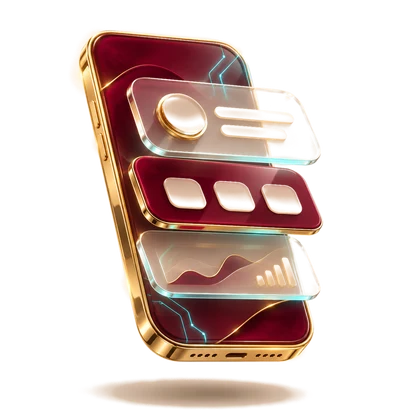
When people don't understand an app or a website, they usually give up within seconds without telling anyone why. I design interfaces where you find your way immediately: app and web screens, clickable prototypes, clear user flows and design systems your team can keep building on.
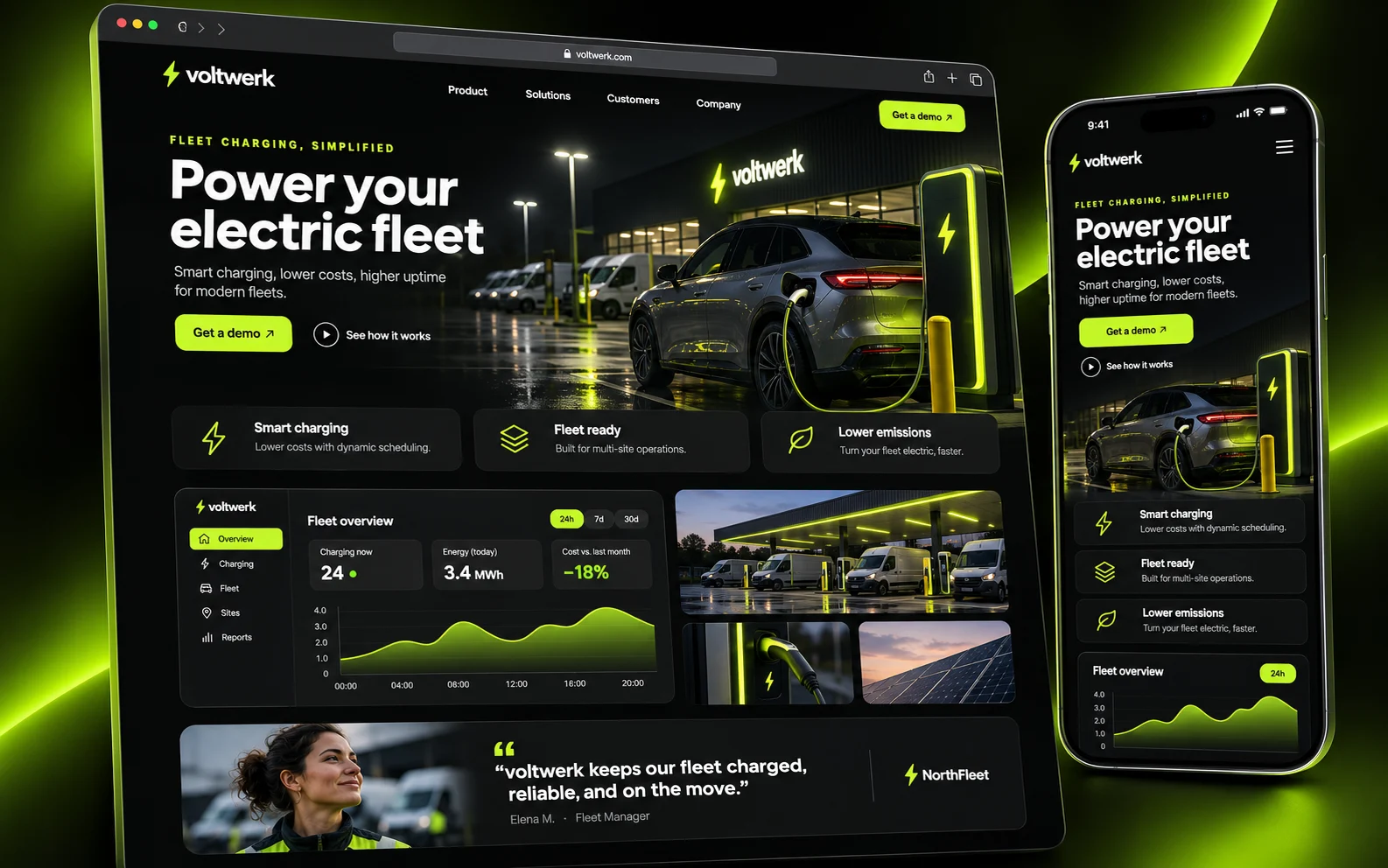
What you get
- 01Clear user flow
Every screen has one main task, and the next step is always visible.
- 02Clickable prototypes
You test the flow before a single line of code is written and avoid expensive rebuilds.
- 03Design system
Colours, fonts, spacing and components are defined once and used the same way everywhere.
- 04Developer-friendly
Because I write code myself, the designs can also be built cleanly.
How it works
- 1Understand
Who uses the product, for what, and where does it get stuck today?
- 2Sketch
Flows and rough screens come together quickly and cheaply.
- 3Design
The sketches become a detailed, clickable design.
- 4Hand over
Your team gets every file and component it needs to build it.
Frequently asked questions
What is the difference between UX and UI?+
UX is about how using the product feels and whether people reach their goal; UI is the visible design, the colours, fonts and controls. A good product needs both.
Which tools do you use?+
Mainly Figma for designs and prototypes, and the files belong to you in the end.
Can you improve an existing product?+
Yes, and it is often the fastest win. Together we find the places where users drop off and redesign them.
Let's
talk about it.
Tell me in a few sentences what you need. I reply personally, usually within one working day.